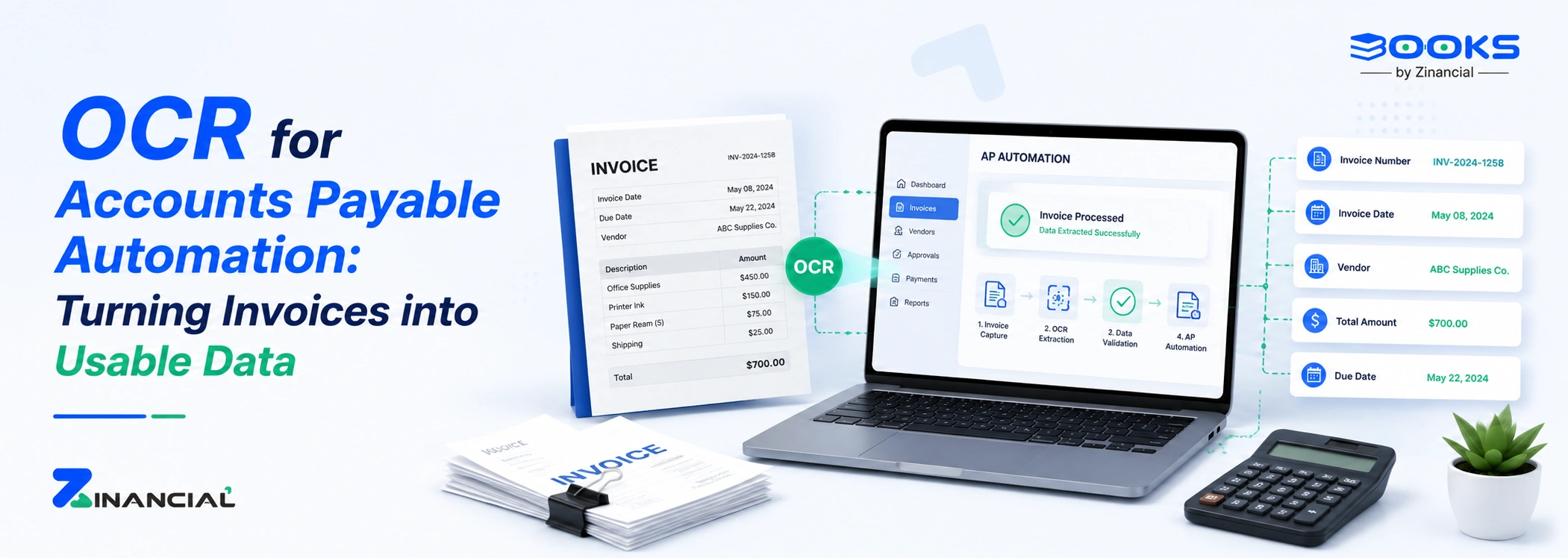
Modern OCR tools do more than read text. They combine machine learning and pattern recognition to handle complex invoice formats.
Platforms like Zinancial Books combine AP OCR with automated workflows. Once an invoice is scanned, the system extracts vendor details, validates totals, and records the transaction directly in accounting ledgers.
Here are the core capabilities of OCR in accounts payable workflow.
Automated data extraction
OCR automatically pulls essential invoice data without human intervention.
Fields commonly captured include:
- Vendor details
- Invoice number
- Payment terms
- Line-item descriptions
- Currency and totals
This eliminates repetitive manual entry.
Seamless workflow integration
Once extracted, the data flows directly into ERP systems or AP platforms such as:
- Tipalti
- NetSuite
- Microsoft Dynamics 365
This integration allows approvals, payments, and reporting to happen automatically.
Reduced data entry errors
Manual typing introduces mistakes. Missing digits, incorrect amounts, or duplicate entries.
AP OCR minimizes these risks by capturing invoice fields automatically.
Fewer errors mean fewer payment disputes and cleaner financial records.
Format versatility
Invoices come in many layouts. Different suppliers use different templates.
Advanced invoice capture tools can process:
- Scanned documents
- PDFs
- Email attachments
- Images
- Low-quality scans
Some systems even interpret handwritten notes.
Faster invoice processing
Without OCR, invoice processing can take several days.
With OCR AP automation, the process often takes minutes.
Invoices are captured, validated, and routed for approval almost instantly.