
28 Jan, 2026Accounting
What Is Accounting Software? A Complete Guide for Businesses
Running a business means tracking money, payments, expenses, and taxes. Doing this manually often leads to delays, missed entries, and reporting gaps.
Read More...

This should save you ~10 minutes of reading

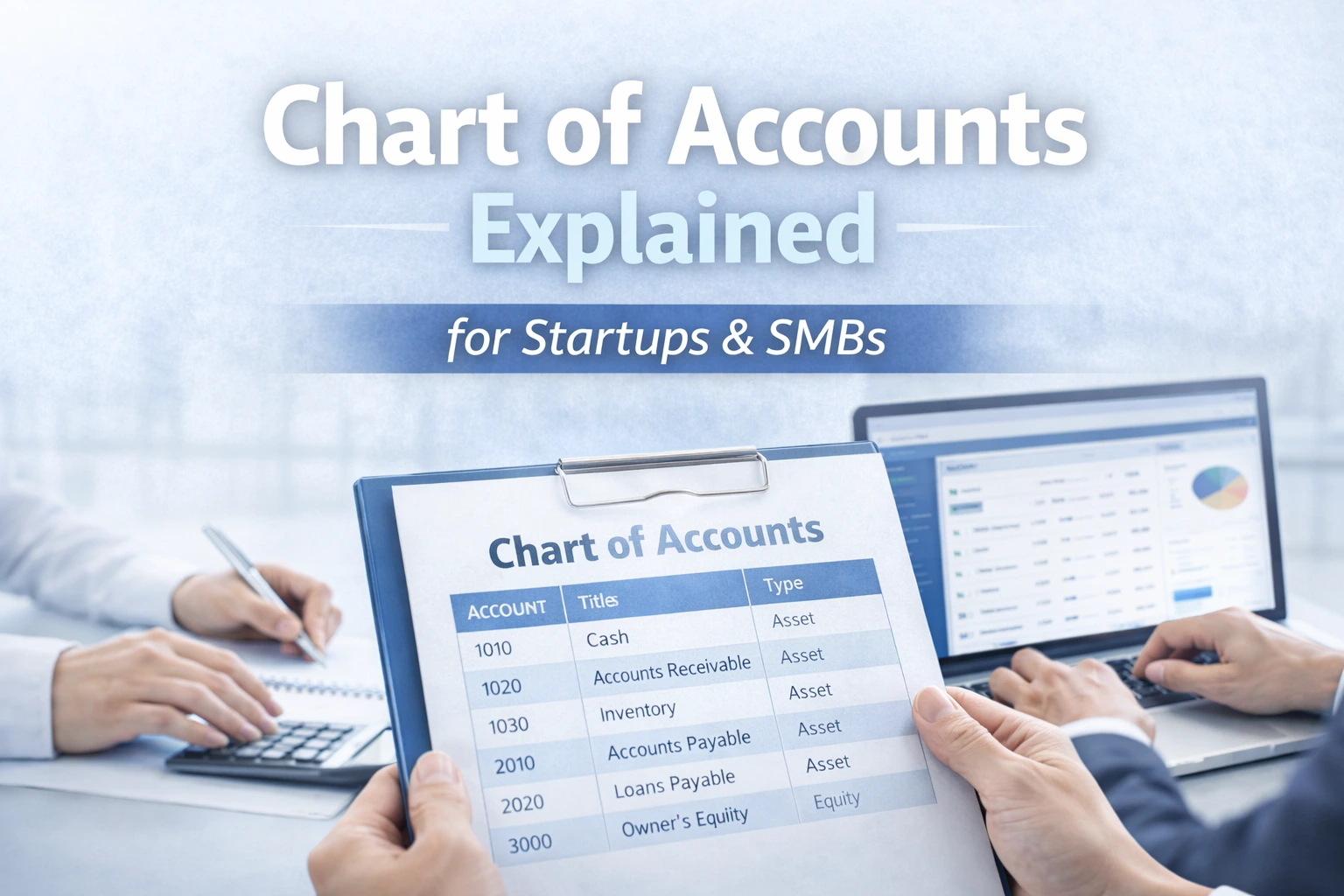
A chart of accounts (COA) is a structured list of all financial accounts used to record and organize business transactions.
It forms the foundation of the accounting system, connecting transactions to the general ledger and enabling accurate financial reporting.
A standard COA is divided into five main categories: assets, liabilities, equity, revenue, and expenses.
A chart of accounts (COA) is a structured list of all ledger accounts used in a business. Think of it as a roadmap for your financial operations. Each transaction, whether it is revenue from a client or a rent payment, is assigned to a specific account, ensuring consistency and correctness.
Key characteristics of a chart of accounts:
For startups, a COA is more than a bookkeeping tool, it is a guide for financial decision-making. A well-designed COA helps you understand where money is coming from and going, giving insight that supports growth strategies.
A standard COA is divided into five main categories. Each category contains specific ledger accounts to track transactions systematically:
1. Assets
Assets represent what your business owns. Examples include:
Startups often start with fewer asset accounts, expanding as they purchase more inventory, software, or equipment.
2. Liabilities
Liabilities track what your business owes. Examples include:
Maintaining separate liability accounts helps businesses ensure bills are paid on time and liabilities are tracked accurately.
3. Equity
Equity accounts represent owner investment and retained earnings:
For startups seeking investment, clear equity accounts make it easier to report ownership and investor contributions.
4. Revenue (Income)
Revenue accounts record the money your business earns:
Breaking revenue into categories helps businesses analyze which products or services are most profitable.
5. Expenses
Expense accounts track business spending:
Subcategories can help track detailed spending, e.g., Marketing → Social Media Ads, Content Marketing, Paid Campaigns.
A well-structured COA is essential for more than bookkeeping. It drives efficiency, tranparency, and growth.
Benefits for startups and SMBs:
Without a COA, even a small business can struggle to understand finances or prepare accurate reports.
Creating a chart of accounts for startups or SMBs involves these steps:
Tips for success:
A simple startup COA can begin with a clear top-level structure and grow over time.
| Account Type | Sample Accounts | Range |
|---|---|---|
| Assets | Cash, Accounts Receivable, Inventory | 1000-1999 |
| Liabilities | Accounts Payable, Credit Cards, Loans | 2000-2999 |
| Equity | Owner Capital, Retained Earnings | 3000-3999 |
| Revenue | Product Sales, Service Income, Subscription Revenue | 4000-4999 |
| Expenses | Rent, Payroll, Marketing, Software | 5000-6999 |
Subaccounts (like Marketing -> Social Media, Content Marketing) add clarity for reporting and budget tracking.
Practical Tips for Startups & SMBs
Example: A startup misclassified marketing spend as miscellaneous expenses, making monthly P&L reports misleading. By restructuring the COA and using Zinancial Books, they gained clear visibility into marketing ROI.
| Benefit | Business Impact |
|---|---|
| Faster Reporting | Generate P&L, balance sheet, and cash flow reports quickly |
| Better Budget Control | Track spending by category and reduce cost leakages |
| Clear Profitability View | Identify high-performing and underperforming areas |
| Audit Readiness | Maintain traceable and consistent financial records |
| Investor Confidence | Present structured, credible financial statements |
| Scalability | Expand account structure without rework |
A structured chart of accounts is the backbone of your financial operations. Start simple, organize your ledger accounts logically, and expand as your startup or SMB grows. A good COA enables faster reporting, better budgeting, and smoother audits, reducing headaches while giving you a clear picture of your business’s financial health.
Common questions about startup accounting and automation, answered clearly.
A structured list of all ledger accounts used to record business transactions. Zinancial Books helps startups create an organized COA efficiently.
It organizes data, simplifies reporting, and supports growth. Zinancial Books provides templates tailored for startups.
Define categories, list ledger accounts, assign numbers, and group accounts. Zinancial Books guides you step-by-step.
Yes. Accounts can be added or adjusted as operations grow. Zinancial Books allows flexible account management.
Overcomplicating, misclassifying, ignoring scalability. Zinancial Books’ templates help avoid these pitfalls.
Software maps transactions automatically to accounts. Zinancial Books supports seamless integration with bank accounts and invoices.
Yes. Well-organized accounts make tracking expenses, revenue, and cash flow easier. Zinancial Books dashboards tie COA to planning tools.
Absolutely. Zinancial Books lets you adapt accounts for e-commerce, services, or retail.
Clear accounts generate clean financial statements. Zinancial Books produces investor-ready reports effortlessly.
Start simple; expand as your business grows. Zinancial Books recommends a flexible structure that scales with your operations.
See how Zinancial Books fits your workflows, team size, and growth plans.

Automate invoices, bills, reconciliations, and reporting so your team can focus on growth and strategy.