
28 Jan, 2026Accounting
What Is Accounting Software? A Complete Guide for Businesses
Running a business means tracking money, payments, expenses, and taxes. Doing this manually often leads to delays, missed entries, and reporting gaps.
Read More...

This should save you ~10 minutes of reading

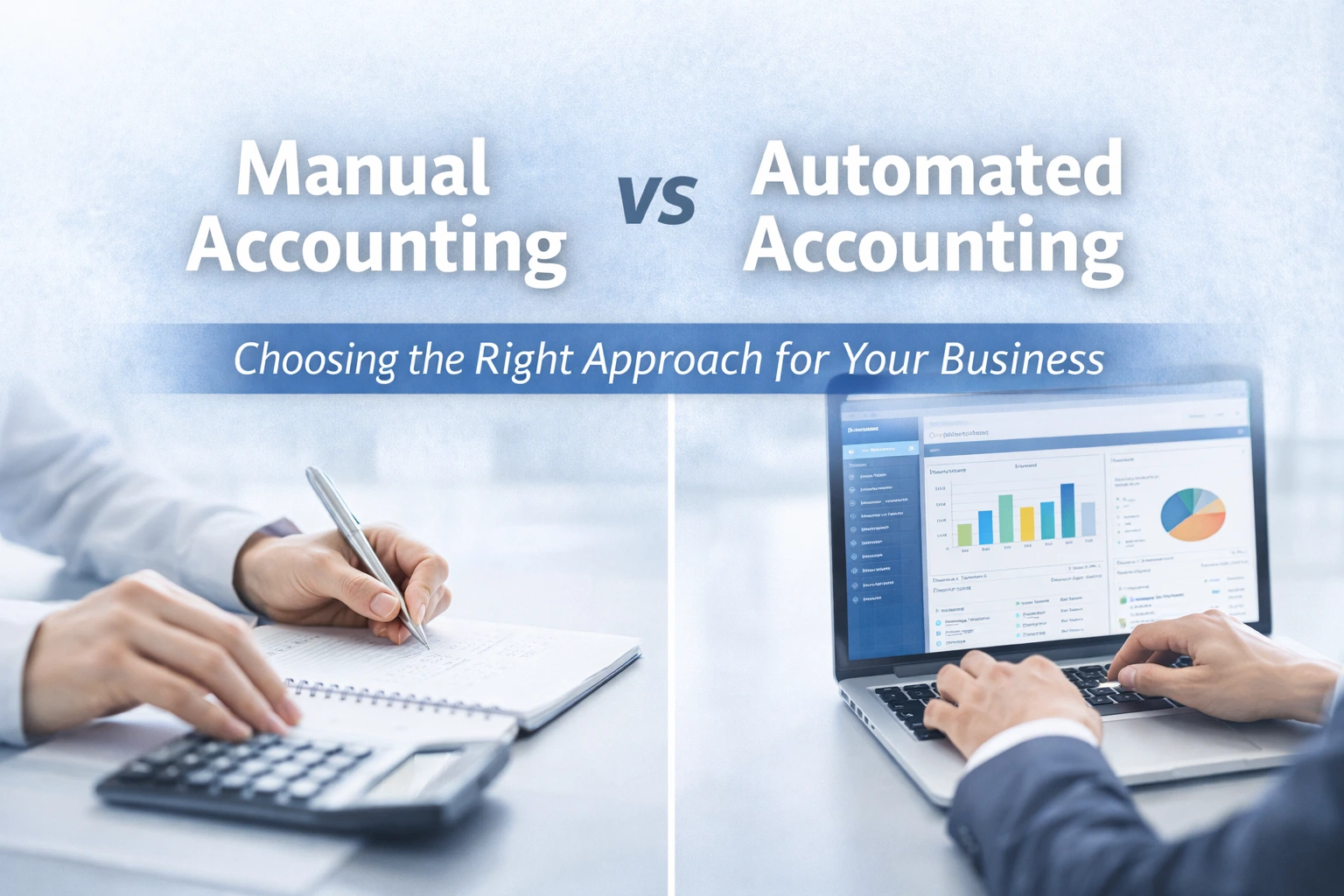
Manual accounting records financial transactions by hand or in spreadsheets, while automated accounting uses software to record, process, and organize financial data.
Manual bookkeeping provides direct control but is time-consuming, prone to human errors, and difficult to scale as transaction volumes increase.
Automated accounting systems streamline financial tasks such as data entry, reconciliation, invoicing, and financial reporting.
Manual accounting refers to recording transactions by hand or in spreadsheets. Every sale, payment, and expense is tracked manually, often by an accountant or bookkeeper.
Key characteristics:
Manual accounting can work for businesses with simple, low-volume operations. A solo freelancer or a small boutique with only a handful of transactions each month may manage perfectly with this system.
Challenges of manual bookkeeping:
Even so, some businesses prefer manual systems for the control and simplicity they provide, especially when budgets are tight or software adoption feels overwhelming.
Automated accounting uses software to record transactions, reconcile accounts, and generate reports. As part of finance automation, it reduces repetitive work and helps business owners see exactly where their money is going.
Key advantages of automated accounting systems:
For business owners, automation means less time digging through spreadsheets and more time understanding trends in spending, cash flow, and growth opportunities.
To decide between manual vs automated accounting, it helps to compare both approaches side by side.
| Category | Manual Accounting | Automated Accounting |
|---|---|---|
| Data Entry | Entered by hand in books/spreadsheets | Captured automatically from connected systems |
| Error Risk | Higher risk of missed/duplicate entries | Lower risk with validation and rules |
| Reconciliation | Time-consuming and repetitive | Faster with automated matching |
| Reporting | Prepared manually, slower turnaround | Instant P&L, balance sheet, and cash flow views |
| Scalability | Difficult as transaction volume grows | Scales with business growth |
| Team Productivity | More admin workload | More time for analysis and strategy |
Automation is not just faster; it helps prevent mistakes, keeps records organized, and supports better decision-making.
While automation is attractive, manual bookkeeping is still relevant for some businesses:
Even in these cases, partial automation, like automated invoicing, expense categorization, or bank feeds, can prevent errors and save hours each week.
Example: A boutique consultancy may track expenses manually but use software to invoice clients and track payments automatically. This ensures bills are never missed without overhauling the entire accounting process.
CTA Suggestion: Discover which accounting features can be automated without changing your workflow.
The shift to accounting automation is driven by real, measurable challenges in finance management:
Example: A mid-sized retail business with multiple outlets spent 20 hours a week reconciling accounts manually. After switching to automated accounting, reconciliation took just 2 hours, allowing staff to focus on inventory and promotions.
CTA Suggestion: See how Zinancial Books helps businesses handle growth without adding accounting headaches.
Moving from spreadsheets to automation does not have to be intimidating. Here s a step-by-step guide:
Gradual implementation allows businesses to maintain control while benefiting from automated accounting systems.
CTA Suggestion: Schedule a demo to see how automation can fit your workflow.
A boutique retail store managing 500 monthly transactions faced the following challenges:
Results:
This example shows that automation is not just convenient; it changes how businesses handle finances every day.
Before implementing automation, consider these practical points:
CTA Suggestion: Start your automation journey with Zinancial Books today.
Moving from manual bookkeeping to automated accounting can transform the way your business handles finances. Start by automating repetitive tasks, connecting your banking and invoicing systems, and letting software handle time-consuming calculations.
Even small steps—like automated expense tracking or client invoicing can save hours, reduce mistakes, and give you a clearer picture of your cash flow. Do not wait until errors pile up or reports take days to prepare; take action today and set up a system that grows with your business.
CTA Suggestion: Try Zinancial Books now and streamline your accounting with automation.
Common questions about startup accounting and automation, answered clearly.
Software-driven processes that handle repetitive accounting tasks efficiently.
Yes. Even low-volume businesses save time and reduce errors.
Yes, for very small operations or simple financial tracking.
Varies by software and features, but long-term savings often exceed initial investment.
Modern software uses encryption and permission controls to protect financial data.
Yes. Many businesses start with invoicing or bank reconciliation automation.
Most businesses notice reduced errors and faster reporting within weeks.
Faster transaction processing, fewer mistakes, easier scaling, and instant reports.
No. It handles repetitive tasks, allowing accountants to focus on analysis and strategy.
Retail, e-commerce, professional services, and businesses with recurring transactions.
See how Zinancial Books fits your workflows, team size, and growth plans.

Automate invoices, bills, reconciliations, and reporting so your team can focus on growth and strategy.