Zinancial

Get Early Access at $25/month

Zinancial Books
Featured Blog

Accounting Software Implementation Checklist: 12 Steps to Get It Right

Harsh Raj
Written byZinancial TeamEdited on 15 Sep, 2026
Accounting Software Implementation Checklist: 12 Steps to Get It Right
Article summary

Article Summary

This should save you ~10 minutes of reading

A successful accounting software implementation starts with clear goals, process mapping, and a well-defined setup plan.

Choosing the right accounting software ensures better scalability, smoother integrations, and long-term efficiency.

Clean data, proper testing, and user training reduce implementation risks and improve adoption from day one.

Switching accounting software sounds simple. It rarely is. Most businesses do not struggle because the software is weak. They struggle because the accounting software implementation is rushed, poorly planned, or treated like a one-time IT task instead of a business shift. 

 The result? Broken workflows, messy data, and teams that quietly go back to old ways of working. A structured approach to software setup and onboarding that aligns with how your finance function operates today, and how it needs to evolve. 

This guide breaks it down into a practical, step-by-step accounting software setup checklist. Use it to avoid common mistakes, stay in control during implementation, and get real value from your system from day one. 

What Is Accounting Software Implementation?

Accounting software implementation is the structured process of selecting, configuring, and deploying a financial system that fits your business. 

It includes: 

  • Planning and requirement mapping 
  • System selection 
  • Data migration 
  • Software setup and configuration 
  • User onboarding and training 
  • Post-launch support 

Done right, it improves accuracy, speeds up reporting, and reduces manual work. Done poorly, it creates chaos. According to a study by PwC, 73% of CFOs now prioritise digitalisation in finance, showing how critical structured accounting software implementation has become. 

Why You Need a Checklist (Not Just a Plan)

A checklist forces clarity. 

Without it, teams: 

  • Skip critical steps 
  • Underestimate data migration complexity 
  • Ignore user adoption 
  • Over-customize systems 

A structured accounting software setup checklist keeps everything aligned, from strategy to execution. 

Most businesses struggle at this stage because tools look similar on the surface. Platforms like Zinancial Books stand out by reducing complexity during software setup, especially for teams moving from spreadsheets or fragmented systems. 

10 Key Steps for Successful Accounting Software Implementation

A well-planned accounting software implementation protects your data, reduces disruption, and speeds up ROI. The goal is not just to install software, it is to build a system your team can rely on daily. 

This accounting software setup checklist walks you through the steps that actually make that happen.

1. Assess Your Needs and Define Your Goals

Start by breaking down your current accounting workflows in detail. Look at where time is wasted, where errors happen, and where manual work still exists. 

Then define success using clear metrics: 

  • Faster month-end close 
  • Fewer manual journal entries 
  • Improved reporting accuracy 

Involve teams across finance, IT, and operations. Their inputs highlight gaps you may not see from a finance-only lens. 

Also classify requirements into: 

  • Must-haves (compliance, reporting, integrations) 
  • Good-to-haves (advanced automation, dashboards) 

This clarity keeps your accounting software implementation focused and prevents scope creep.

2. Evaluate and Choose the Right Software

Choosing software is not just a feature comparison exercise. It is about long-term fit. 

Look deeper into: 

  • How easily the system adapts to your workflows 
  • Whether integrations are native or forced 
  • How intuitive the interface is for daily users 

Ask vendors to demonstrate real scenarios: 

  • Complex billing cycles 
  • Multi-entity reporting 
  • Tax calculations 

Also check how often the product evolves. A system that does not improve will slow you down later. A smart choice reduces friction during software setup and simplifies future scaling.

3. Map Your Accounting Processes

This is where you redesign, not replicate. Document every workflow step-by-step: 

  • Procure-to-pay 
  • Order-to-cash 
  • Financial close 

Then refine: 

  • Remove redundant approvals 
  • Automate repetitive entries 
  • Standardize processes across teams 

Define ownership clearly by specifying who approves, who records, and who reviews.

A well-mapped process ensures your accounting software setup checklist translates into a system that actually works in real scenarios.

4. Prepare Your Data

Most implementation issues trace back to poor data. 

Before migration: 

  • Fix inconsistencies 
  • Align naming conventions 
  • Standardize chart of accounts 

Decide what historical data is necessary. Not everything needs to move. 

Pay attention to: 

  • Open invoices 
  • Vendor balances 
  • Ongoing accounting periods 

Clean data ensures your software setup starts with accuracy, not confusion.

5. Design and Configure the System

Now you configure the system around your processes. This is where implementation often slows down. Instead of building everything from scratch, many businesses now prefer platforms like Zinancial Books that come with pre-structured workflows, making configuration faster and more predictable. 

Set up: 

  • Approval hierarchies 
  • Access controls 
  • Reporting formats 

Do this in a sandbox environment first. Test before going live. Avoid over-customization. It often creates long-term maintenance issues. Document configurations clearly. This helps future updates and troubleshooting.

6. Execute Data Migration

Migration needs precision, not speed. 

Follow a phased approach: 

  • Run test migrations 
  • Fix mapping issues 
  • Repeat until clean 

Always reconcile: 

  • Old system vs new system 
  • Reports vs raw data 

Collaborate closely between finance and IT teams. Both perspectives matter here. A clean migration protects the integrity of your entire accounting software implementation.

7. Test the System and Train Users

Testing should mirror real business activity. 

Run: 

  • Transaction-level testing 
  • End-to-end workflows 
  • Parallel runs with legacy systems 

Simulate: 

  • Month-end close 
  • Reporting cycles 
  • Exception scenarios 

Once testing is stable, shift focus to onboarding. 

Train users based on their roles: 

  • Transaction entry 
  • Reporting 
  • Approvals 

Use a mix of: 

  • Live sessions 
  • Recorded walkthroughs 
  • Documentation 

Good training reduces dependency on support later.

8. Plan the Transition and Go-Live

A smooth go-live depends on preparation. 

Define: 

  • Cutover plan 
  • Final data upload timeline 
  • Roles during transition 

Schedule go-live during low activity periods to reduce risk. 

Create a temporary response team to: 

  • Monitor system performance 
  • Handle issues in real time 
  • Support users 

A controlled go-live keeps your software setup stable from day one.

9. Set Up Post-Implementation Support

Once the system is live, questions will come in. Set up a structured support model: 

  • Internal experts for quick help 
  • Implementation team for deeper issues 
  • Vendor support for technical problems 

Track issues using a simple system: 

  • Categorize problems 
  • Identify patterns 
  • Fix root causes 

Schedule regular check-ins to review system performance and user experience. Ongoing support plays a critical role after go-live. Platforms like Zinancial Books combine product support with workflow guidance, which helps teams move beyond basic usage to actual efficiency gains.

10. Focus on Continuous Improvement

Implementation does not end at go-live. Track performance using KPIs: 

  • Close cycle time 
  • Error rates 
  • Manual workload 

Review these regularly and refine workflows. 

Also collect feedback from users: 

  • Where are they stuck? 
  • What feels slow? 
  • What can be automated further? 

Small improvements over time create significant gains. That is how you maximize ROI from your accounting software implementation. 

As businesses scale, their accounting needs evolve. Tools like Zinancial Books are designed to adapt alongside that growth, making it easier to refine processes without reworking the entire system. 

Best Practices That Make Implementation Work

These are what makes the difference between a smooth rollout and a messy one: 

Get Stakeholder Buy-In Early 

Involve stakeholders before decisions are finalized. Early engagement builds ownership and reduces resistance during onboarding. Workshops and discussions also surface insights that improve system design. 

Look for Optimization Opportunities 

Avoid simply digitizing inefficient processes. Take time to simplify, automate, and standardize workflows so the system actually improves how your team works. 

Choose a Vendor That Improves Your Process 

A good vendor does more than provide software. They help refine workflows and guide implementation. This makes your software setup faster and more effective. 

Validate Data Before Full Transition 

Always reconcile data between systems before going live. Run checks, compare balances, and verify accuracy to avoid downstream issues. 

Do not Ignore User Training 

Training is not a one-time task. Ongoing onboarding ensures users stay confident, adapt to updates, and use the system effectively. 

Turn Your Implementation Plan Into Action

A successful accounting software implementation does not come from having the perfect plan. It comes from executing each step with clarity and discipline. When your goals are well-defined, your data is clean, and your team is properly onboarded, the system starts delivering value much faster. 

What this really means is simple. Do not rush the process, do not skip steps, and do not treat implementation as just a technical task. It is a business transformation that affects how your finance function operates every day. 

Follow a structured accounting software setup checklist, stay consistent through each phase, and keep refining after go-live. That is how you move from setup to real impact. 

FAQs
Frequently Asked Questions

Quick answers to common questions about this topic.

What is accounting software implementation?

It is the process of selecting, configuring, and deploying an accounting system to manage financial operations efficiently. It includes planning, software setup, data migration, and onboarding.

How long does accounting software implementation take?

Timelines vary based on business size and complexity. Small businesses may take a few weeks, while larger implementations can take several months, especially with multiple integrations.

What should be included in an accounting software setup checklist?

A complete checklist should cover goal setting, software selection, process mapping, data preparation, system configuration, testing, onboarding, and post-launch support.

How does Zinancial Books simplify accounting software implementation?

Zinancial Books offers guided workflows, pre-configured modules, and a structured approach that reduces complexity during software setup and speeds up implementation.

Is Zinancial Books suitable for growing businesses?

Yes, Zinancial Books is designed to scale with your business. It supports increasing transaction volumes, evolving reporting needs, and expanding financial operations.

Does Zinancial Books help with data migration?

Zinancial Books supports smooth data migration by helping standardize and structure your financial data, reducing errors during the transition process.

How does Zinancial Books handle onboarding and training?

Zinancial Books provides structured onboarding with guided training, making it easier for teams to adapt quickly and start using the system effectively.

Can Zinancial Books integrate with other tools?

Yes, Zinancial Books is built to integrate with key business systems, helping you connect accounting with operations, reporting, and other workflows.

What kind of support does Zinancial Books offer after implementation?

Zinancial Books provides ongoing support to resolve issues, improve system usage, and ensure your accounting processes continue running smoothly.

Why choose Zinancial Books over other accounting software?

Zinancial Books stands out for its ease of use, guided software setup, and strong focus on onboarding, making it ideal for businesses that want faster adoption without unnecessary complexity.

Still have questions?

We are here to answer any question you may have.

Ask a Question

Our Recent Blog

5 Best Financial Statement Generator for Startups & SMBs in 2027
26 Oct, 2026Books

5 Best Financial Statement Generator for Startups & SMBs in 2027

A financial statement generator helps turn accounting data into clear reports, so you can understand your business finances without spending hours sorting through spreadsheets. For startups and SMBs, the right tool can simplify reporting, reduce manual work, and help answer important questions about profitability, cash flow, and financial health. However, features, accuracy, and costs vary […]

Read More...
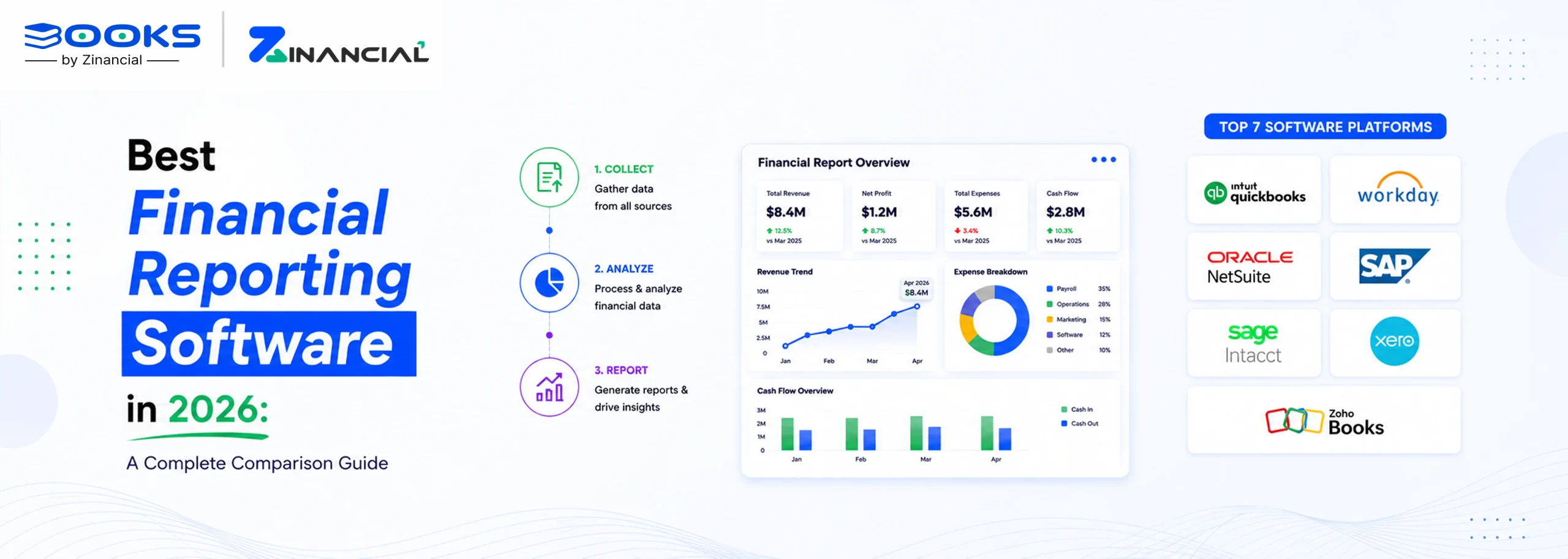
Best Financial Reporting Software for 2027: 10 Tools Compared (With Pricing)
12 Aug, 2026Books

Best Financial Reporting Software for 2027: 10 Tools Compared (With Pricing)

If you have ever stayed late closing the books, you know the drill. You pull numbers from five different tabs and cross-check formulas that break the moment someone edits a cell. You send the report to your boss, then find an error an hour later. Financial reporting software exists to end that cycle. The right […]

Read More...
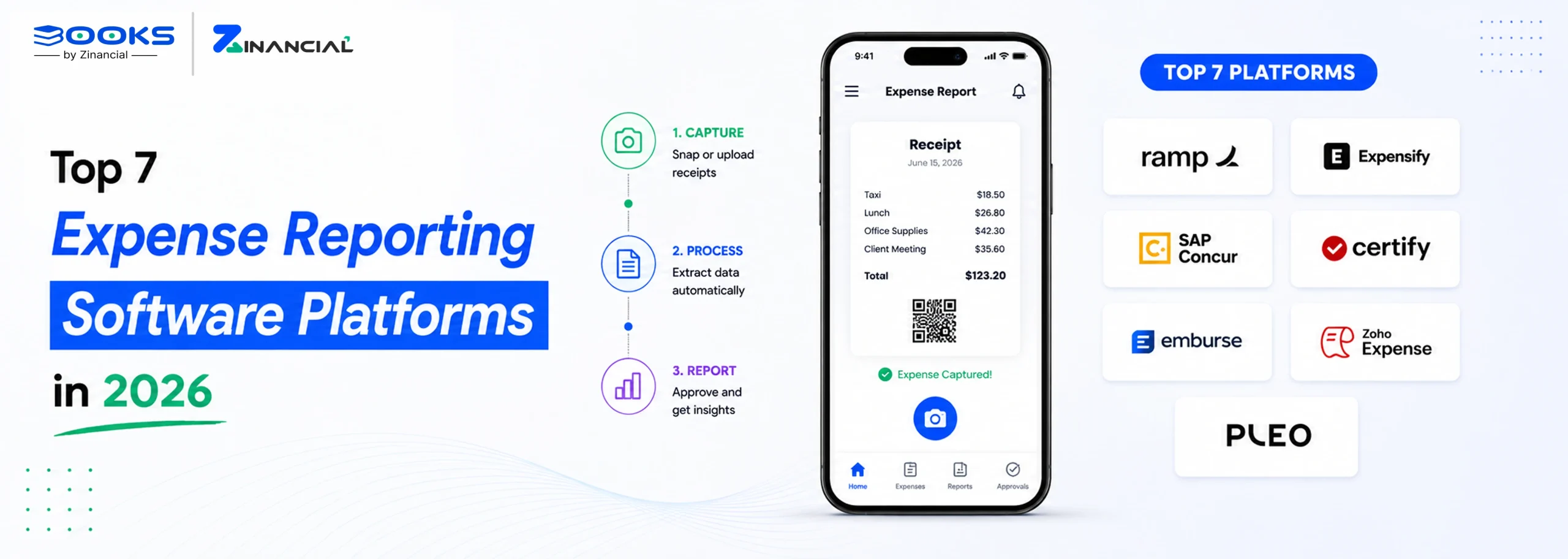
Top 7 Expense Reporting Software Platforms in 2026
7 Aug, 2026Books

Top 7 Expense Reporting Software Platforms in 2026

You have paid for lunch with a client, uploaded the receipt, and submitted your expense report. Days later, it is still awaiting approval, reimbursement is delayed, and finance is following up on missing details. Expense reporting software is designed to eliminate those bottlenecks. It automates receipt capture, approvals, and expense tracking, helping businesses save time […]

Read More...
Engineered by the Best in the Business - Zinancial call to action banner

Engineered by the Best in the Business

Zinancial is built by professionals who understand accounting challenges, modern software, and especially what growing businesses need.